
Board Room8 people · Video conferencing
Available
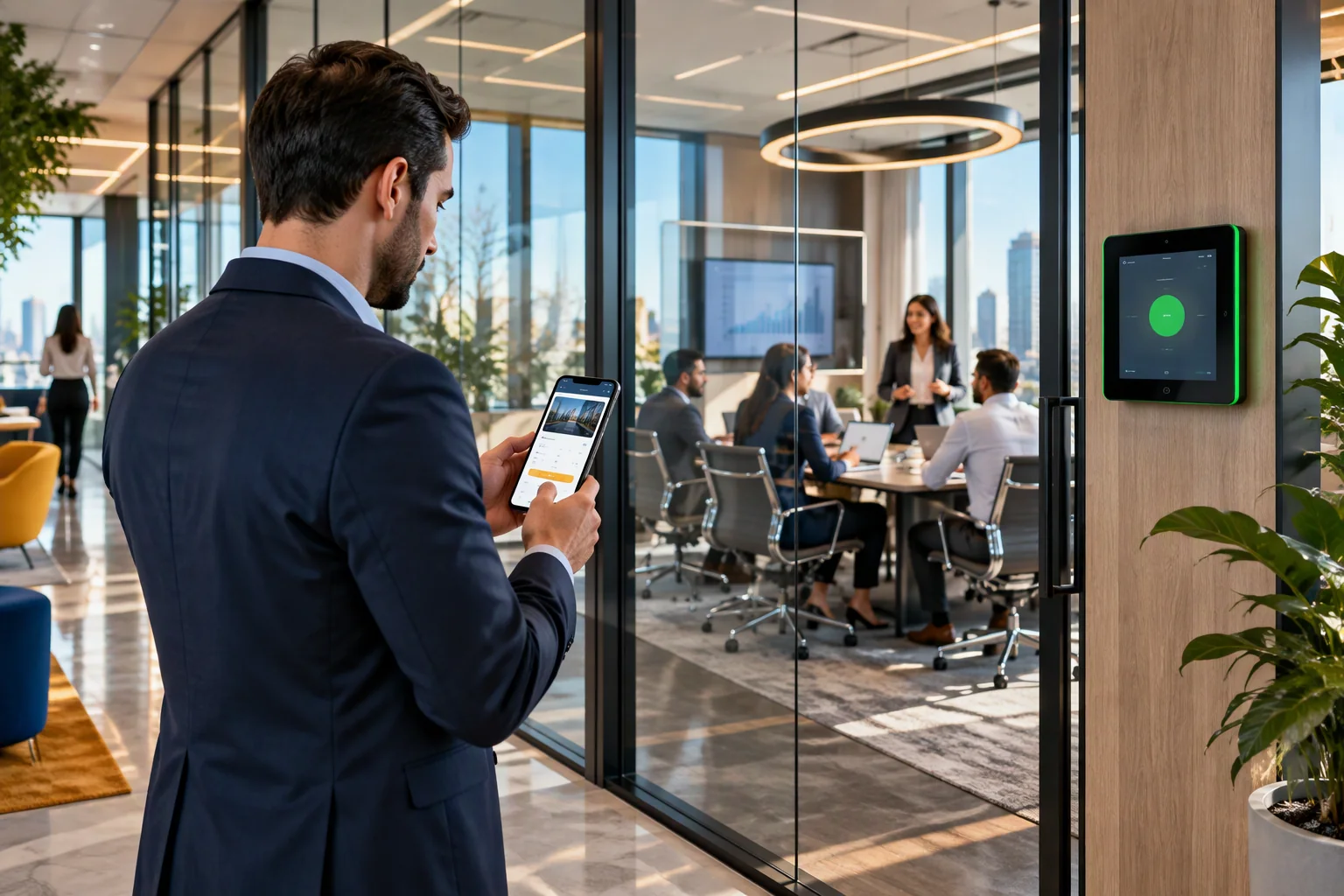
Meeting Room Booking System for Smarter Workplace Scheduling
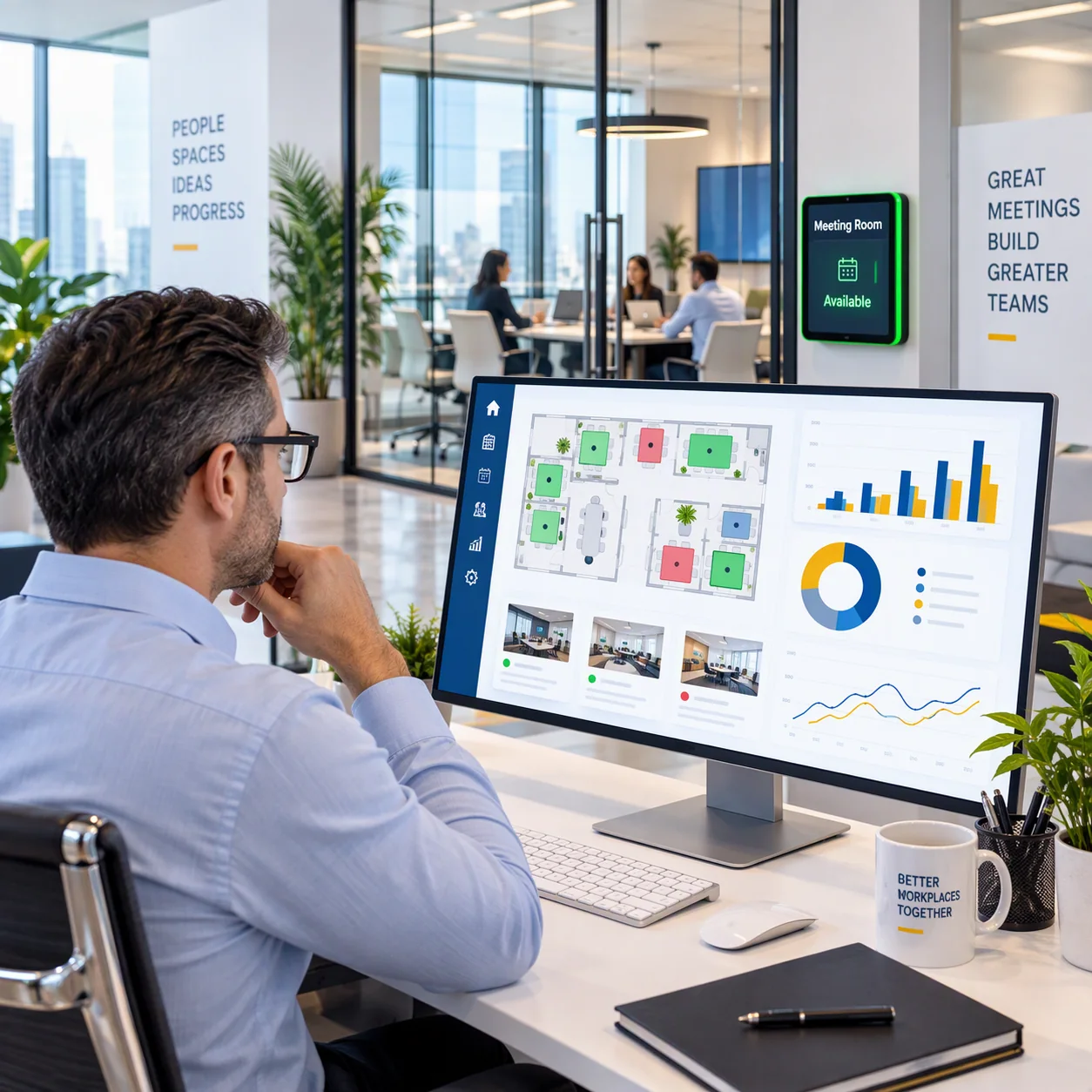
Find available meeting rooms, schedule meetings, sync calendars and reserve essential resources from one connected platform. Reduce booking conflicts, no-shows and underused spaces across every office.
What Is a Meeting Room Booking System?
A meeting room booking system is workplace software that allows employees to check room availability, reserve meeting spaces and manage bookings through web, mobile or connected calendars. It helps organizations prevent double bookings, reduce unused reservations and understand how meeting spaces are utilized.
Live room availabilityCalendar-connected reservationsRoom
& resource bookingUtilization visibility
Find the Right Meeting Room in Seconds
Filter by office, date, time, capacity and required resources. Employees can see suitable spaces before confirming a meeting room reservation.
See Room Booking in Action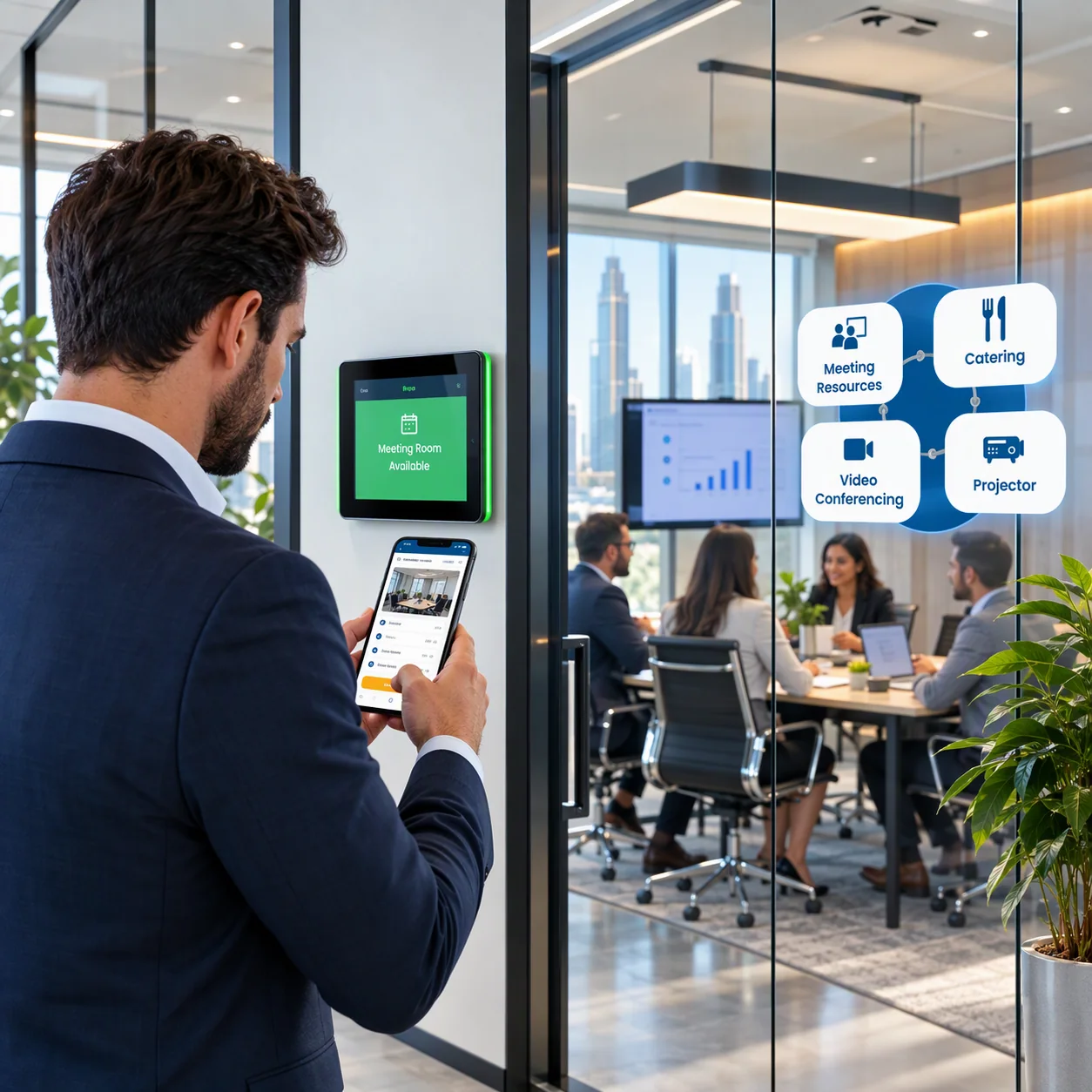
Office Mumbai HQDate
TodayTime 11:00People 8
Meeting Room 036 people · Display
Available
Huddle Room 024 people · Whiteboard
Busy
Outlook Calendar
→
Enterlyze
Meeting Room
Meeting Room
←
Google Calendar
Microsoft Teams invite
Book Once. Keep Every Calendar in Sync.
Keep room availability and employee schedules aligned with two-way Outlook and Google Calendar synchronization. Meeting details can also connect with Microsoft Teams invites for a more seamless scheduling workflow.
Explore Calendar IntegrationFrom Booking Conflicts to Meeting-Ready Spaces
Before
×Double-booked rooms×Manual coordination×Missing resources×Unused reservations→
With Enterlyze
✓Live availability✓Self-service booking✓Resource reservations✓Utilization visibilityA Faster Way to Find, Reserve and Use Meeting Rooms
Choose Workplace
Select Date & Time
Check Availability
Choose Room & Resources
Add Attendees
Confirm & Sync
Everything You Need to Manage Meeting Rooms
Real-time availability, calendar-connected scheduling, resources, visitor workflows and utilization data in one meeting room reservation experience.
Real-time availability
View free and busy status across rooms and locations.
One-tap booking
Reserve rooms instantly from mobile or web.
Calendar integration
Two-way synchronization with Outlook and Google Calendar.
Recurring bookings
Create daily, weekly or custom repeat schedules.
Resource booking
Reserve projectors, video conferencing or catering alongside rooms.
Visitor-linked booking
Suggest and link rooms during visitor pre-registration.
Utilization analytics
Measure usage, peak times, no-shows and optimization opportunities.
Multi-site scheduling
Manage room reservations across offices from one interface.
Book More Than Just the Room
Reserve the space and essential meeting resources together. Add projectors, video conferencing requirements or catering while scheduling the meeting.
See Resource Booking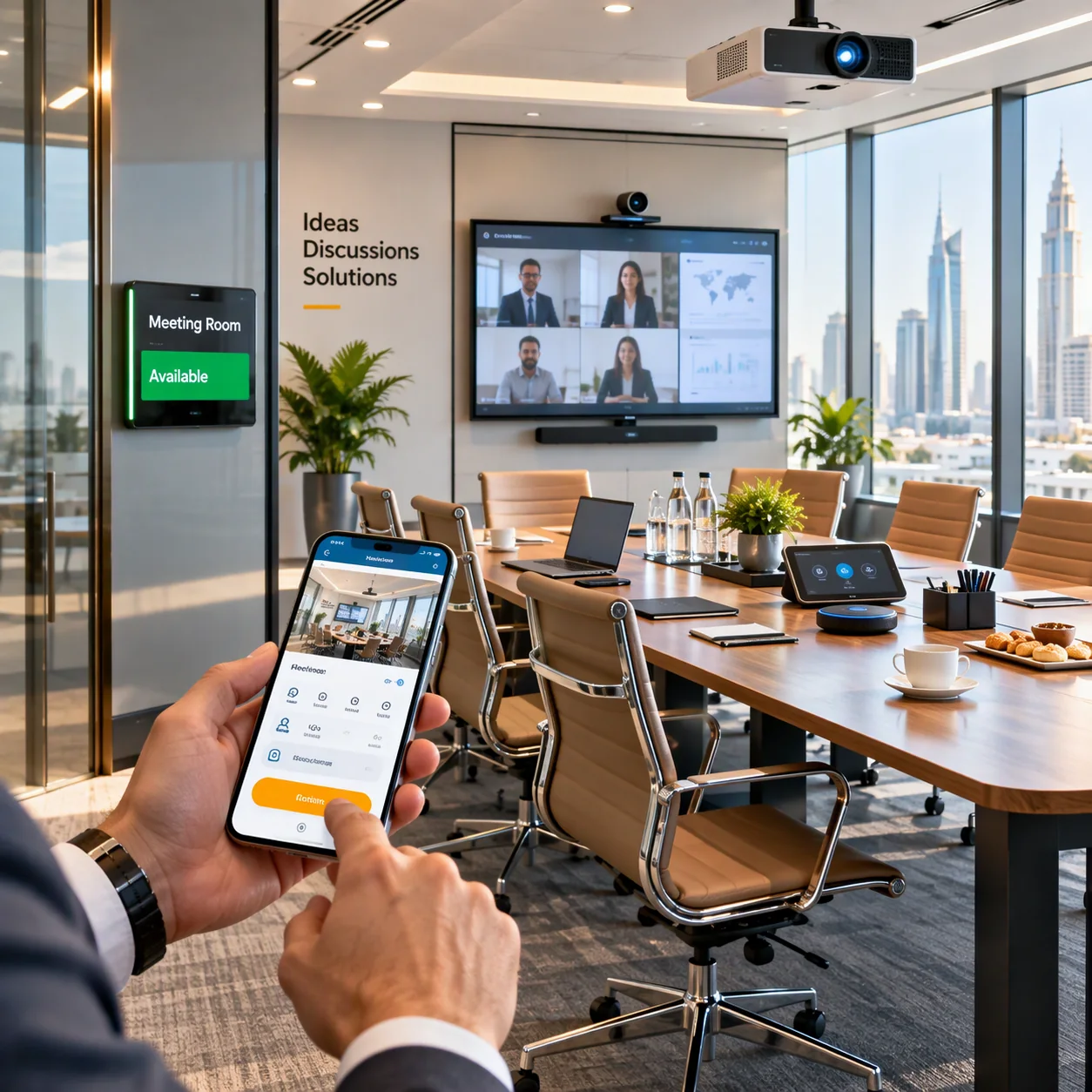
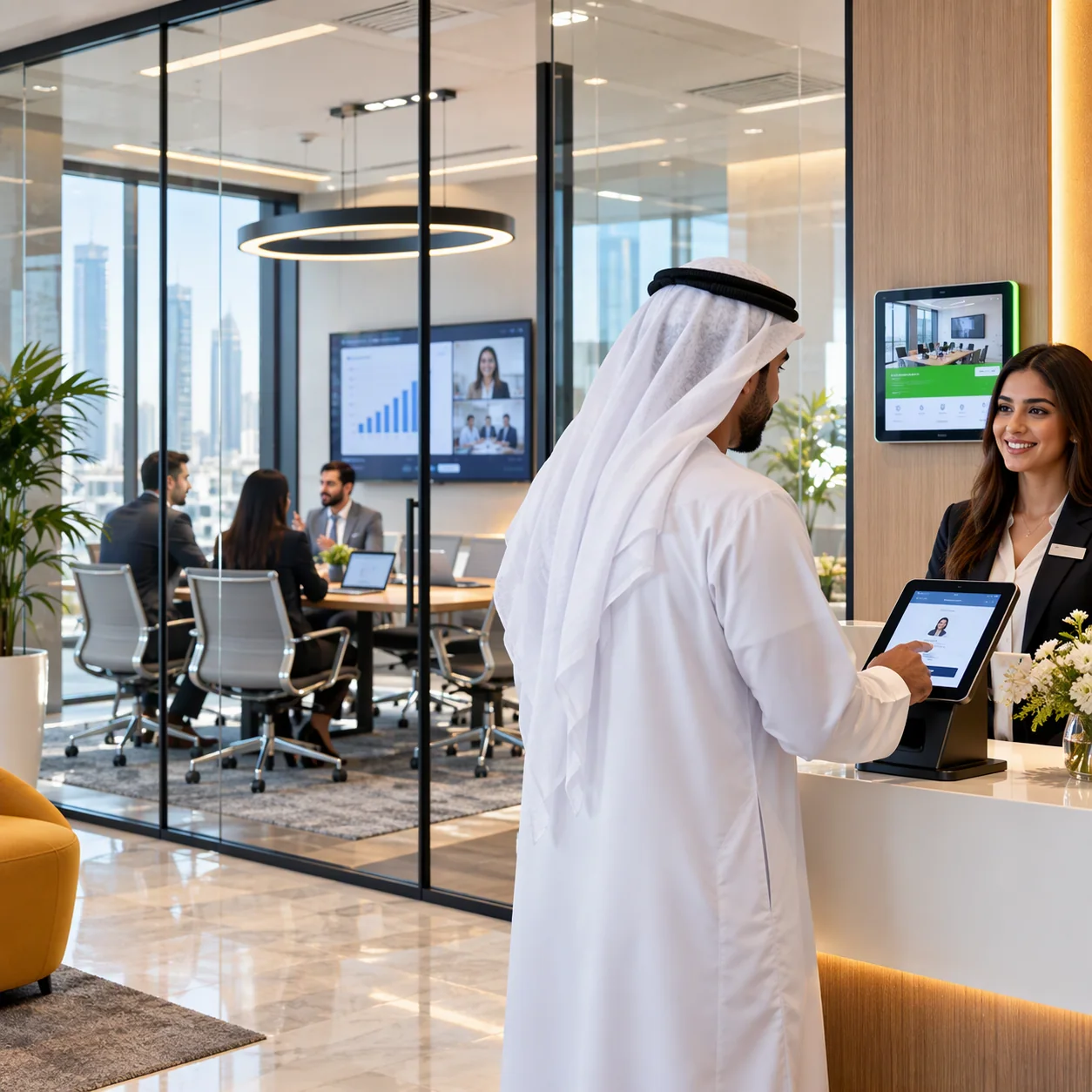
Make the Room Ready Before the Visitor Arrives
Link room planning with visitor pre-registration so workplace teams can prepare both the meeting space and the arrival experience in advance.
Explore Visitor ManagementVisitor Invitation→Room
Suggested→Room Reserved→Visitor
Arrives→Meeting Begins→Room Usage Tracked
Are Your Meeting Rooms Actually Being Used?
Use booking and utilization data to identify peak demand, no-shows and opportunities to improve meeting-space planning.
Which rooms are booked most?When is demand
highest?How many bookings become no-shows?Which spaces are
underused?
Better Meeting Room Scheduling for Everyone
Employees
Find rooms faster, avoid conflicts, book from web/mobile and add resources.
Workplace Teams
Coordinate bookings, visitor meetings and room demand from one workflow.
Facility Leaders
Measure utilization, identify no-shows and plan room capacity.
IT Administrators
Support calendar synchronization, standardized scheduling and connected workplace workflows.
Manage Every Meeting Room from One Interface
Coordinate room reservations across offices while maintaining a consistent employee booking experience.
Discuss Multi-Office SchedulingGlobal Room DashboardUAE · Dubai Office → Boardroom · Meeting
RoomIndia · Mumbai Office → Conference Room · Training RoomSaudi Arabia ·
Riyadh Office → Boardroom · Huddle Room
One Meeting. One Connected Workplace Experience.
Desk Reserved→Meeting
Scheduled→Room Reserved→Visitor
Registered→Parking Planned
How to Choose the Right Meeting Room Booking System
Employee Experience
Live availability
Mobile & web booking
Calendar sync
Resource booking
Administration
Booking controls
Multi-site scheduling
Recurring settings
Integration options
Workplace Intelligence
Utilization analytics
Peak-time trends
No-show visibility
Capacity planning
Meeting Room Booking System vs Shared Calendar
Shared Calendar
Meeting Room Booking System
Basic calendar
reservationRoom-specific booking experienceLimited room
informationRoom capacity, location and resourcesWeak utilization
visibilityUsage and no-show analyticsManual multi-office
trackingCentralized multi-site scheduling
Our App
One App Total Control
Create powerful mobile experiences for iOS and Android
Visitor Management System
Secure and streamline visitor check-ins with ease.
Hot Desk Booking System
Book desks effortlessly for a flexible workplace.
Car Parking Management
Simplify parking allocation and space management.
HR Management System
Manage employee records, attendance and payroll.
Conference Booking System
Schedule and manage meeting rooms with ease.
Corporate Transport Management
Track and manage company vehicles efficiently.
Blogs
Best Practices For Efficient Workplaces
Stop paying for disconnected tools. Enterlyze brings visitor check-in, desk booking, room scheduling, employee tracking, deliveries, and queue management into one joined up system.
Loading articles…
Frequently asked questions
Meeting Room Booking System FAQs
Have more questions? Our team can help you understand how Enterlyze can fit your workplace operations.
Talk to our teamA meeting room booking system lets employees see room availability, reserve spaces and manage bookings from web, mobile or connected calendars. It replaces fragmented scheduling with a room-specific workplace booking workflow.
Employees select an office, date and time, check live availability, choose a suitable room and resources, add attendees and confirm the reservation.
Yes. Enterlyze supports two-way synchronization with Outlook and Google Calendar to keep employee calendars and room schedules aligned.
Yes. Daily, weekly and custom repeat schedules can be created for recurring meeting room reservations.
Yes. Projectors, video conferencing requirements or catering can be reserved alongside the room.
Yes. Enterlyze can suggest and link rooms during visitor pre-registration, connecting visitor arrival planning with meeting-space scheduling.
Utilization analytics can measure usage, peak times, no-shows and optimization opportunities to support better workplace-space decisions.
Yes. Multi-site scheduling allows room reservations to be coordinated across different offices from one interface.
Let’s discuss your operations
See Enterlyze Meeting Room Booking System in Action
Share a few details about your workforce, locations and priority modules. Our team can prepare a focused discussion around your requirements.
- Customized solution scope
- Premise-native or cloud deployment
- No public fixed pricing
Thank you! Your request has been recorded. Our team will contact you shortly.